Church Translation Apps vs Browser Links and Headsets
A practical guide to how visitors join, what to test on real phones, and why an “app” might not need to be an app at all.
A visitor scans your QR code, picks a language and hears nothing. Think about it. WebKit’s own documentation says Safari on iPhone needs a tap before media with sound plays. Small details like that decide Sunday. So what does a church translation app really need to do? And does it have to be an app at all?

Does a Church Translation App Need to Be an App?
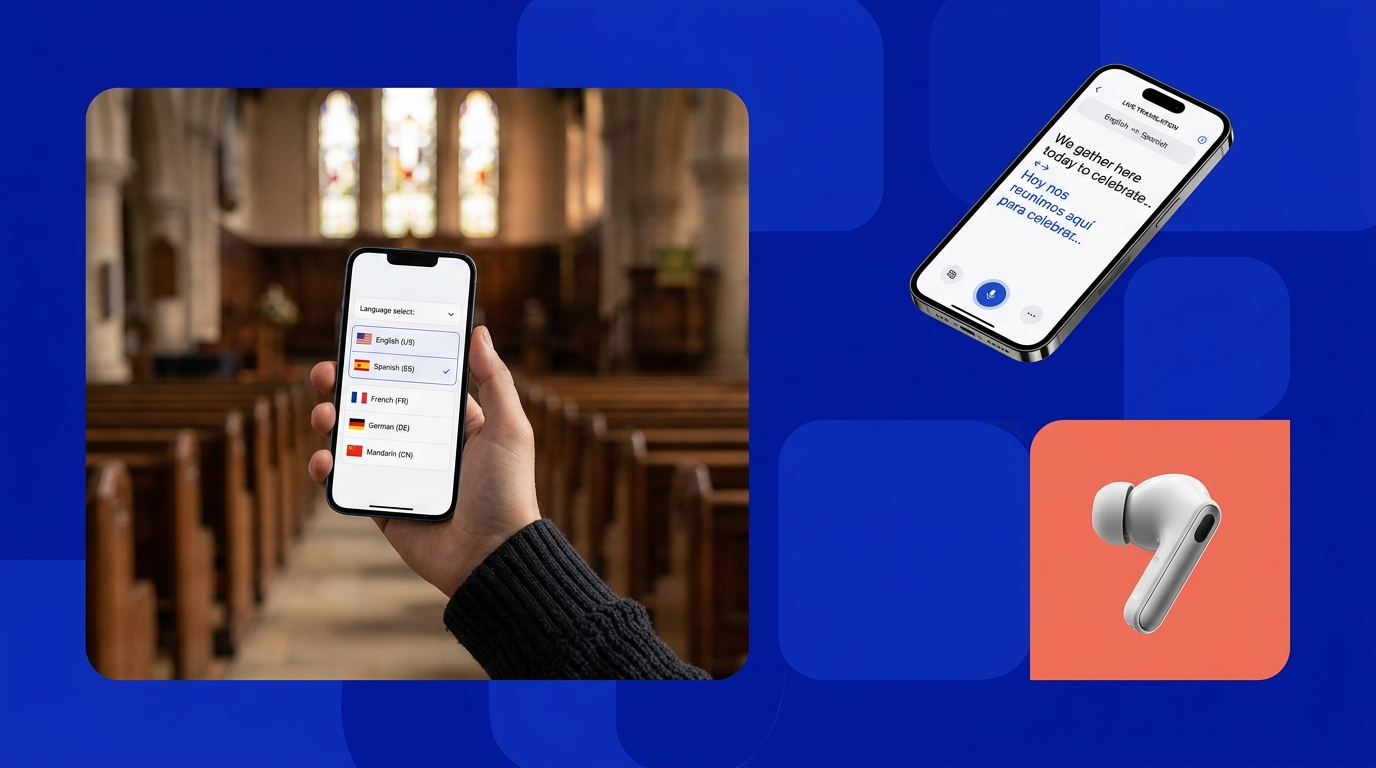
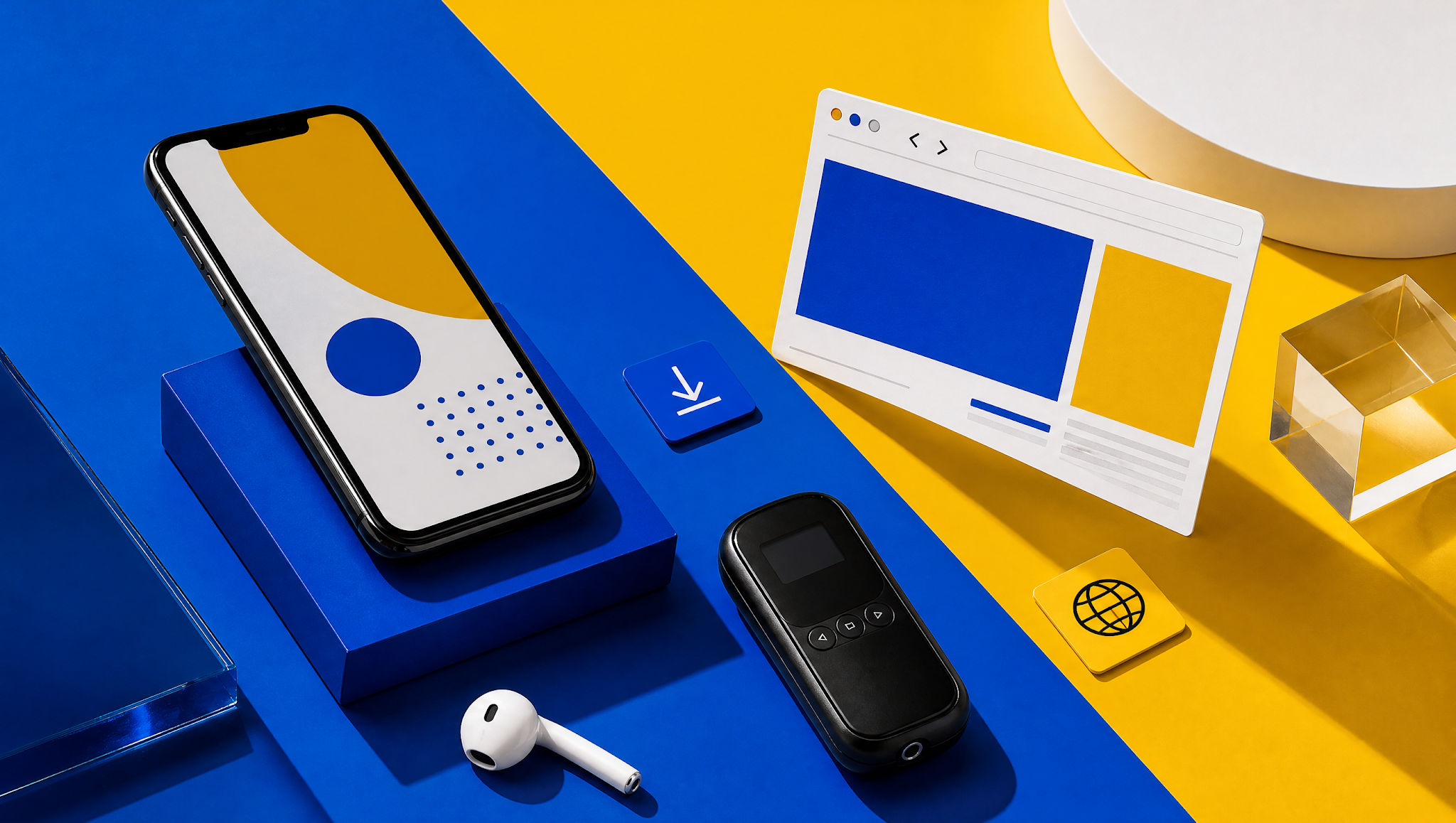
Not always. Churches reach listeners in three ways: an installed phone app, a web page opened by QR code or a receiver with no phone at all. Each has trade-offs. Apps take time to install. Browsers can stumble on audio permissions, especially on iPhone. Receivers need batteries and someone to hand them out. Mixing methods is common. Here are the key points before the walkthrough.
Key Takeaways
- •“App” should mean something installed. A page opened by QR code is a browser link.
- •First-time visitors make three moves: find the code, pick a language and approve audio.
- •Test on a real iPhone and a real Android phone before Sunday service.
- •Keep receivers or wired earbuds ready for guests without smartphones.
- •Use the checklists below to run the same checks on your own phones.
Let’s define the three paths first, because the word “app” causes most of the confusion in church technology discussions.
What People Mean by a Church Translation App
Sellers use the word app for almost everything. That muddies the buying decision. Here are the three paths, defined by what a visitor actually has to do on a Sunday morning.
Installed Phone App
An installed app comes from an app store and lives on the phone. LiveVoice’s churches page describes a listener app with iOS, Android and Huawei store links. Installing takes time and storage. Some guests won’t do it on a Sunday morning. It’s the heaviest ask of a stranger. The upside is a familiar icon they can reopen next week. Check what each app really does when the screen locks.
Web App Opened Through QR Code
Here the visitor scans a code and a page opens in the phone’s browser. Nothing installed. The Exbabel church translation system guide, Wordly’s help pages, and Hope Translator’s site describe this route, with language choice after the scan. The page is still software, though. It depends on the browser. Fewer steps means fewer places to stall. Calling it an app muddies the comparison. Call it a browser link instead.
Receiver System with No Attendee Phone
Radio receivers hand each listener a small device and an earpiece. ChurchLeaders notes one system can carry up to six languages, with an interpreter and channel for each. Receivers work without the internet. Glossa’s guide lists batteries, charging and lost units as the chores. Guests without smartphones may rely on them. Some churches keep a few beside a phone-based option. Check frequency rules for your area before buying.

How Visitors Actually Join
Follow a first-time visitor from the lobby to the first translated word. The steps below draw on vendor documentation. Confirm each one on your own devices.
Find the QR Code or Invitation
Visitors can’t join what they can’t find. Put the code on a slide, in the bulletin and on a sign near the door. Wordly’s help page offers a scalable image for screens and a printable PDF with illustrated instructions. Add a short line in plain words: scan this, pick your language. A greeter who points at the sign beats a dozen emails. Repeat the instruction aloud once at the start.
Select Language and Approve Audio
After scanning, the visitor lands on a page and picks a language. Wordly’s help describes choosing a language and clicking Attend. Then the phone may ask to allow audio. On iPhone, WebKit documents that media with sound needs a user gesture before it plays. So the first tap matters. Tell visitors to press play or start when they see it. Visitors shouldn’t ever have to guess.
Put on Earbuds and Test Volume
Visitors need earbuds or headphones. Otherwise the sound spills into the pew. Bring a few spare wired pairs. Wired pairs never need charging. Ask the visitor to set the phone volume while the pastor is speaking. Remind them to check silent mode too. Exbabel’s guide says translation headphones may still help people without smartphones. A greeter can run a ten-second sound check at the door.
| Screen / Step | What the Visitor Sees | Where They Can Stall | Fix to Test |
|---|---|---|---|
| 1. Lobby Sign | QR code and one-line instruction | Can’t find or scan the code | Larger sign near the door; greeter points |
| 2. Language Page | List of available languages | Doesn’t see their language | Check the live menu before service |
| 3. Audio Start | Play or start button | Never taps; hears nothing | Say “tap play” on the sign |
| 4. Listening | Translated audio or captions | Volume low; silent mode on | Sound check with a greeter |
Want to try the QR flow yourself? Invite your AV team to test Exbabel’s QR join and language switching with your own devices through the church translation solution. It still needs a working network, so test your Wi-Fi and cellular coverage too.
Explore the church translation setup→
Compare App, Browser and Receiver Workflows
Each path trades convenience for control. Use the notes below to compare them on setup effort, device support and privacy. Test claims on your own phones since versions change.
Install Time and Permissions
Apps ask for store access, storage and sometimes notifications. Browser links ask for far less, though audio may need a tap. Receivers need no permissions but do need handing out and collecting. Exbabel’s guide says listeners need no app or account. Install time varies by network and device. Fewer permissions mean fewer refusals. Time a first-timer yourself and write the number down.
Browser Compatibility and Battery/Data Use
Browsers differ. WebKit documents the iPhone tap rule. Other browsers have their own habits. No source we read promises that every phone works. Streaming audio uses data and battery. Offer church Wi-Fi and say cellular works too, as Glossa notes. Ask owners of older phones to try the link before the service. Treat “works on every phone” as a warning sign.
Device Privacy and Shared-Device Cases
Some people don’t want to install anything or share an email address. A browser page with no account asks for less. Others share one phone or tablet among a family. Receivers avoid personal devices entirely. Read each vendor’s privacy terms, because they vary. Tell guests what’s recorded. Transcripts exist on several tools. Ask about retention. Some guests are wary of any QR code. That’s fair. Explain it simply.
| Delivery Path | App Install | Network Needed? | Best Fit | Watch Out For |
|---|---|---|---|---|
| Installed App | Yes, from a store | Yes (Wi-Fi or cellular) | Regular attenders who want an icon | Store steps; storage; guests who refuse |
| Browser Link (QR) | No (per Exbabel, Wordly, Hope Translator) | Yes (Wi-Fi or cellular) | Visitors and mixed devices | Audio tap on iPhone; browser differences |
| Radio Receivers | No | No (RF radio) | Guests without phones | Batteries, charging, lost units |
| Hybrid Setup | Mixed | Mixed | Most congregations | Extra volunteer training |
Audio, Captions and Translation Accuracy
Translated voice and translated text aren’t the same output. They can follow different language lists and different timing. Check the live service menu before you promise anything to a visitor.
Spoken Voice vs Translated Text
Voice suits people who want to look up and listen. Text suits readers and noisy pews. Hope Translator says listeners can read or hear an AI voice. Exbabel says listeners hear AI audio and follow synchronized captions. Offer both when you can. Voice quality varies by language. So listen to each one yourself before you announce it. Neither output wins in every room. Both deserve a test.
Caption Readability
Captions fail when the font is small or the speaker talks fast. Hope Translator mentions adjustable fonts and sizes. Test captions from the back row on a real phone. Check contrast in a dim sanctuary. If captions go on a main screen, give them space and keep Scripture slides clear. Ask a few older members to read a sample and tell you honestly what they see.
Language and Dialect Availability
Language lists change. Voice and text lists can differ. A directory listing for Hope Translator says a few languages are text only. Exbabel’s pages disagree on language counts. So we cite none. Ask the vendor to show the menu on a phone, live. Then test each language with a native speaker from your own congregation. Dialects matter too. Ask which variety of Spanish or Arabic the tool speaks.

Sunday Reliability and Network Design
Most Sunday failures are network or permission problems, not translation problems. Plan for both, rehearse them and keep a written fallback. Here are the areas to cover.
Wi-Fi and Cellular Trade-Offs
Church Wi-Fi can crowd, drop or block guest traffic. Cellular data works without the church network, though coverage varies inside thick walls. Glossa notes listeners without Wi-Fi can use cellular data. Hope Translator recommends a strong connection and Wi-Fi for better processing. Put both options on the sign. Test from the back pew while the room is full. A full room strains a network more than an empty one.
Audio Unlock and Browser Permissions
On iPhone, WebKit documents that media with sound needs a user gesture. A visitor who never taps may see captions move but hear nothing. Build a clear start button into the instructions. Android browsers have their own settings. Test current OS and browser versions on real phones and write the versions down. Don’t promise background audio with the screen locked until you’ve actually tested it.
Recovery After a Dropped Connection
Connections drop. Exbabel’s guide mentions failover and buffering but gives no numbers. After a drop, the visitor may need to tap again or reload the page. Test it. Switch Wi-Fi off, wait and switch it on to see what happens. Write the steps on a help card. Teach greeters a simple routine: reload, tap play and check volume. Rehearse it once with volunteers. Time the recovery.
| Verification Check | iPhone (iOS Safari) | Android (Chrome / Samsung) | Evaluation Focus |
|---|---|---|---|
| Scan QR with default camera | Opens link banner directly | Opens browser directly | Zero download required |
| Page loads on church Wi-Fi | Verify captive portal doesn’t block stream | Verify captive portal doesn’t block stream | Guest Wi-Fi network routing |
| Page loads on cellular (LTE/5G) | Test in back pew | Test in back pew | Thick sanctuary wall penetration |
| Language menu matches service | Live menu inspection | Live menu inspection | Check before service |
| Audio starts after one tap | WebKit user gesture required | Chrome audio policy tap | Signage must say “Tap Play” |
| Captions readable at arm’s length | Check text scaling | Check text scaling | Sanctuary ambient contrast |
| Bluetooth earbuds pair and play | AirPods latency check | Bluetooth latency check | Keep wired earbuds backup |
| Audio resumes after Wi-Fi off and on | Re-buffering behavior | Re-buffering behavior | Time to stream recovery |
| Screen lock: does audio continue? | Check background audio playback | Check background audio playback | OS power-saving restrictions |

Accessibility and Device Inclusivity
Language access isn’t the only access question. Some guests lack phones. Some need captions rather than audio. Use these notes as a starting point, not a legal opinion.
Attendees Without Smartphones
Keep receivers, loaner tablets or wired earbuds for guests without phones. Exbabel’s guide says translation headphones may still help them. Glossa suggests some churches keep FM headsets for seniors beside a phone option. Assign a greeter to hand them out and collect them. Don’t assume every guest owns a phone or wants to use one. Keep a sign-out sheet if you lend tablets. Mention it in the bulletin too.
Deaf and Hard-of-Hearing Needs
Translated captions help. They aren’t the same as qualified sign-language interpreting or real-time captioning by a trained person. The Department of Justice’s ADA.gov guidance on effective communication lists captioning, qualified interpreters and assistive listening systems as auxiliary aids. It also says the right aid depends on the person and context. Ask the individual what works. No app settles legal obligations by itself. Plan this before Sunday.
Large-Font Captions and Help Desk Training
Offer large-font captions on phones and on a screen. Train help-desk volunteers to answer two questions fast: how do I join and why can’t I hear. Give them a printed card. Practice with a volunteer who has never used the tool. Training takes minutes. It prevents Sunday panic. It also makes guests feel welcome rather than processed. Print the card in large type, too. Laminate it.
Welcome-Desk Help Card: “I Can’t Hear the Translation”
- Check your phone volume and ensure silent mode / ringer switch is set appropriately.
- Tap the play or start button on the browser page (iOS requires a user gesture).
- Reload the page or scan the QR code again.
- Try your earbuds in another pair or ask the welcome desk for a loaner.
- Still stuck? Ask a volunteer for a radio receiver or a seat near a screen with live captions.
Choosing Software for Your Congregation
Pick a path by testing, not by reading brochures. A short, honest trial tells you more than a feature list. Here is how to run one.
Trial with First-Time Attendees
Run the trial with people who have never seen the tool. With their consent, watch them join without coaching. Note where they pause. Don’t help until they ask. Note the time each step takes. Resist the urge to explain. Use the ten-minute test below. Ask each vendor how to try its product before you commit. Run the trial on the same phones your congregation actually uses.
Volunteer Onboarding and Device Help
Pick two volunteers per service: one at the door and one at the sound desk. Give them the help card and a test phone. Let them practice the dropped-connection routine. Write down who handles complaints during the sermon. Our church broadcasting guide covers the audio side, and our interactive mixer setup guide walks through sound console connections. Refresh the training whenever the software updates. Choose people who stay calm under pressure. Give them permission to use the fallback.
Decide: App, Browser, Receivers or Hybrid
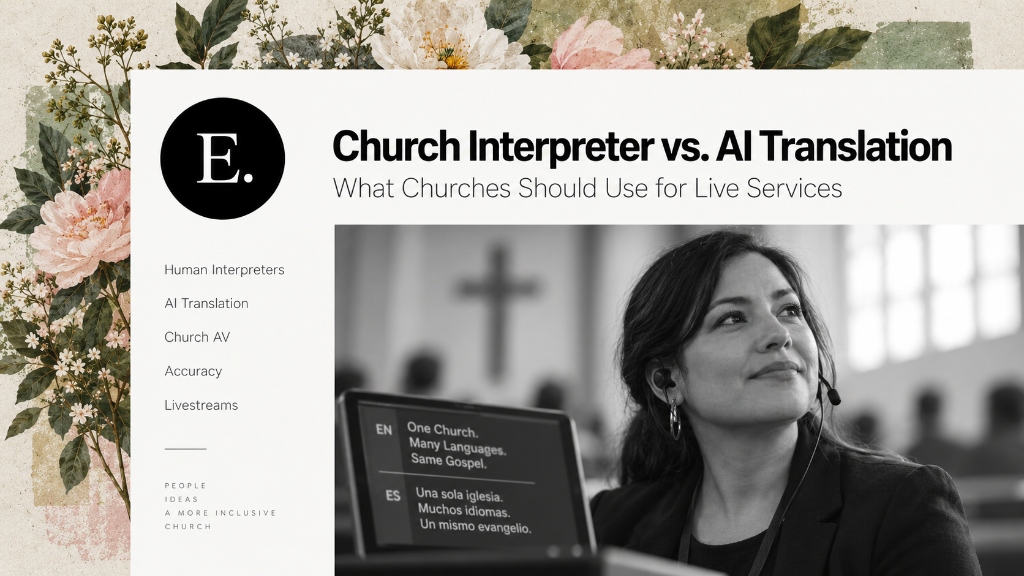
Pick by guest reality, not by feature lists. If most visitors carry phones and your network holds, a browser link is lighter. If your regulars like a familiar icon, an app may suit them. If many guests lack phones, keep receivers. Hybrid is common. Our church translation system guide compares hardware and software architectures, and our real-time translation apps comparison covers broader event scenarios. Also see our church interpreter vs AI translation guide for evaluating human versus machine interpretation. Revisit the choice every year as your congregation changes. Mixing is fine.
| Minute | Test Step | Observer Evaluation Goal |
|---|---|---|
| 0 to 1 | Hand a first-time guest a phone and the sign | Do they find the code unaided? |
| 1 to 3 | They scan and choose a language | Where do they pause? |
| 3 to 5 | They start audio and set volume | Do they tap play? Do they hear it? |
| 5 to 7 | Switch language mid-session | Is it obvious how? |
| 7 to 9 | Turn Wi-Fi off and on | Does audio come back? |
| 9 to 10 | Ask what confused them | Write down their words verbatim |
| Scorecard Evaluation Item | Target Score | Operational Benchmark |
|---|---|---|
| Joined without help | [ ] / 5 | Assesses lobby signage and QR scan onboarding |
| Time to first translated word | [ ] / 5 | Elapsed time from lobby door to first audio stream |
| Audio worked on first tap | [ ] / 5 | Evaluates mobile browser user gesture handling |
| Captions readable | [ ] / 5 | Assesses font scaling and contrast under sanctuary lighting |
| Recovered after dropped connection | [ ] / 5 | Evaluates automatic reconnection without restarting browser |
| Volunteer could fix a problem in two minutes | [ ] / 5 | Assesses volunteer card training and resolution speed |
Frequently Asked Questions
Does a Church Translation App Require Installation?
Not always. Browser-based platforms such as Exbabel, Wordly, and Hope Translator allow attendees to scan a QR code and listen immediately in their smartphone browser without installing software or creating an account. In contrast, native listener apps (such as LiveVoice) require app store downloads. Hardware receiver systems avoid personal smartphones altogether.
Can Congregants Use Bluetooth Headphones?
Many modern smartphones can stream translation audio to paired Bluetooth earbuds or AirPods. However, audio pairing latency, sanctuary RF interference, and varying battery levels can introduce friction. AV teams should advise congregants to pair before service and maintain a basket of wired earbuds as an immediate zero-friction backup.
Can Translation Work on Church Wi-Fi or Cellular?
Phone-based systems require an internet connection. Glossa notes cellular data works reliably for listeners without Wi-Fi, while Hope Translator recommends Wi-Fi for smoother processing. Because dense sanctuary walls can degrade cellular reception while full congregations strain Wi-Fi, AV teams should test both from the back pew during a live service.
What if Attendees Do Not Own a Smartphone?
Churches should maintain a hybrid accessibility setup. Keep dedicated radio receivers, loaner tablets, or translation headphones ready for guests without smartphones, elderly congregants, or visitors uncomfortable using personal devices. Assign a welcome greeter to hand them out with pre-sanitized earpieces.
Can Captions Be Displayed Without Translated Audio?
Yes. Hope Translator describes outputting live captions to a sanctuary screen through OBS or ProPresenter, and Exbabel allows synchronized captions and audio to run together or independently on attendee phones. This provides immediate visual access in reverberant sanctuaries or for hard-of-hearing members.
Source Log and Documented References
The observations and platform specifications in this comparison draw on public technical documentation, trade articles, and vendor specifications accessed on October 18, 2026.
| Source Organization | Referenced Technical Detail | Claim Type |
|---|---|---|
| WebKit Video Policies for iOS | Media with sound requires user gesture on iOS Safari | Platform documentation |
| Wordly Help: Downloading QR Codes | QR leads to sign-in page; scan, choose language, click Attend | Vendor documentation |
| Hope Translator: Live Sermon Translation | QR broadcast mode, read or AI voice, adjustable fonts, OBS/ProPresenter | Vendor claim |
| faith.tools Directory | No download for listeners; some languages text-only | Third-party directory |
| LiveVoice Churches | Listener app with iOS, Android and Huawei store links | Vendor claim |
| ChurchLeaders Ministry Tech | Up to six languages per receiver system | Trade publication |
| Glossa Equipment Guide | Battery and charging chores, FM headsets for seniors, cellular data option | Vendor claim |
| ADA.gov Effective Communication | Auxiliary aids (captioning, qualified interpreters, assistive listening) | Government guidance (context) |
| Exbabel Church Translation System | QR/link, zero app download, headphones for guests without smartphones | Exbabel documentation |
Author Disclosure & Editorial Standards
This guide is published by Exbabel, which develops browser-based live church translation systems. Our goal is to provide honest, evidence-backed comparisons so ministry teams make informed decisions. We deliberately avoid unverified claims, arbitrary latency statistics, or promises of universal phone compatibility. All testing should be confirmed on your church’s specific devices and sound systems.